 MARKDOWN EDITOR
Write, paste,
instantly beautiful.
Write quickly in Markdown and preview beautifully in an instant.
Even the Markdown your AI returns reads cleanly, without breaking.


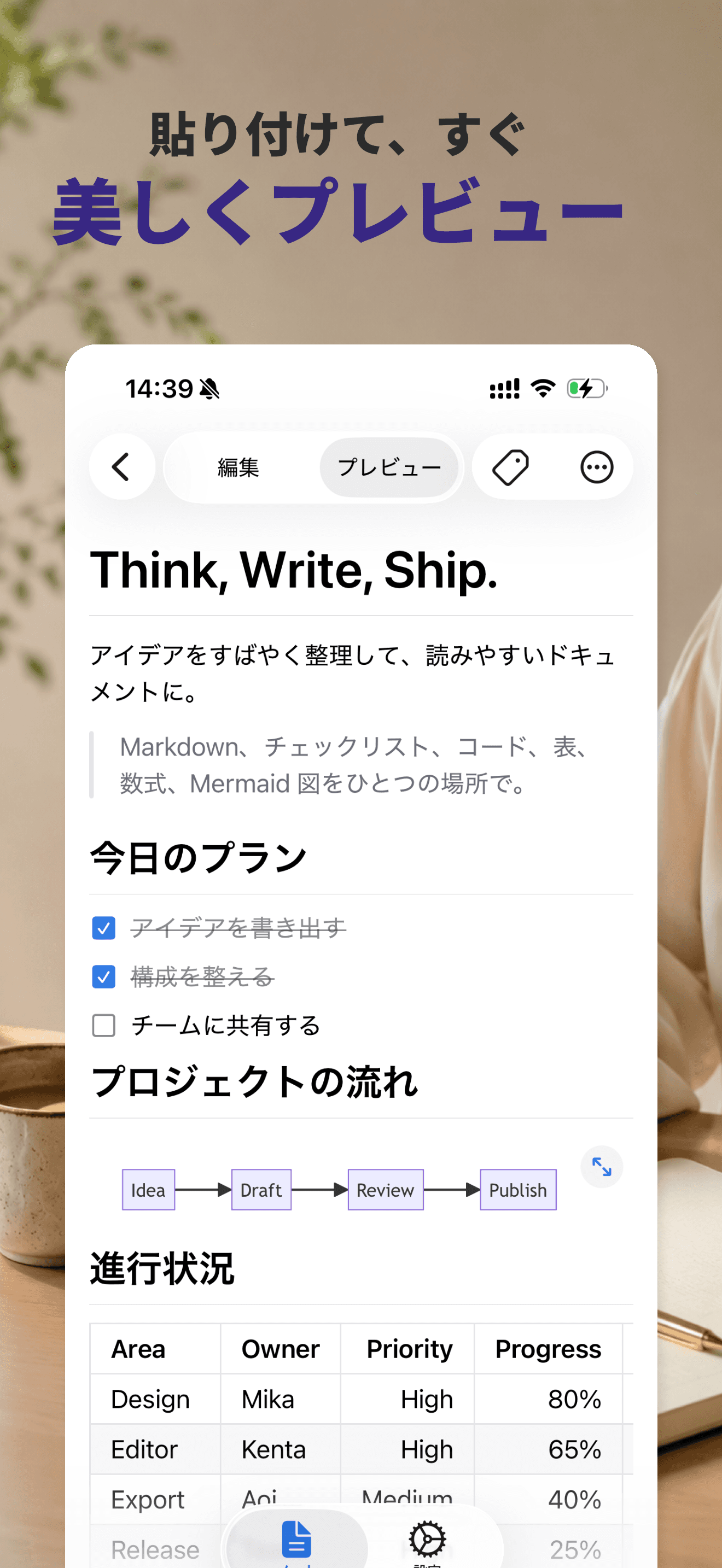
Paste it, and it's instantly beautiful.
Paste the Markdown your AI returns and headings, lists, tables, and diagrams all render cleanly. Switch between editing and preview with one tap, and read comfortably even on your phone.
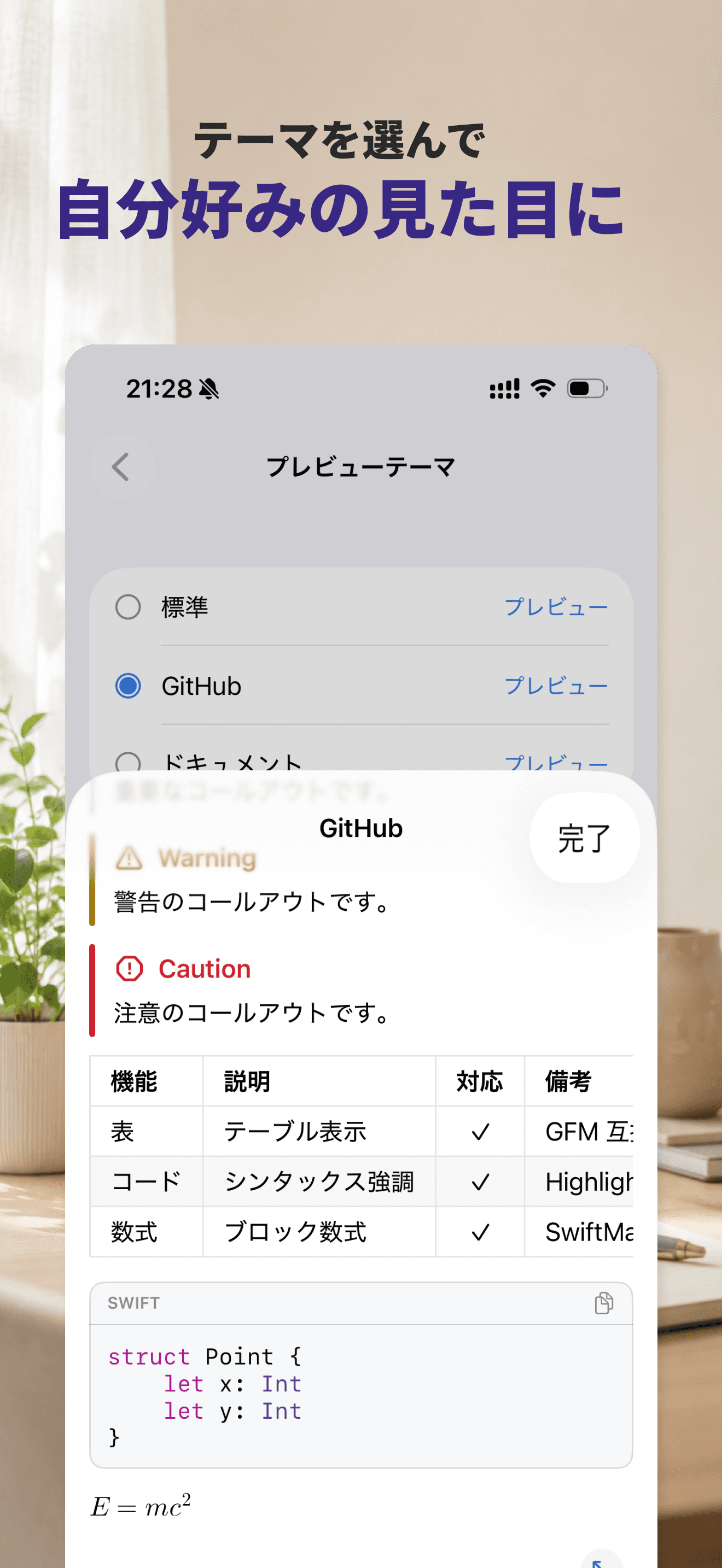
Make the look your own.
Choose a preview theme from Standard, GitHub, or Document. Check the actual rendering in the preview and fine-tune it into a look that's easy to read.
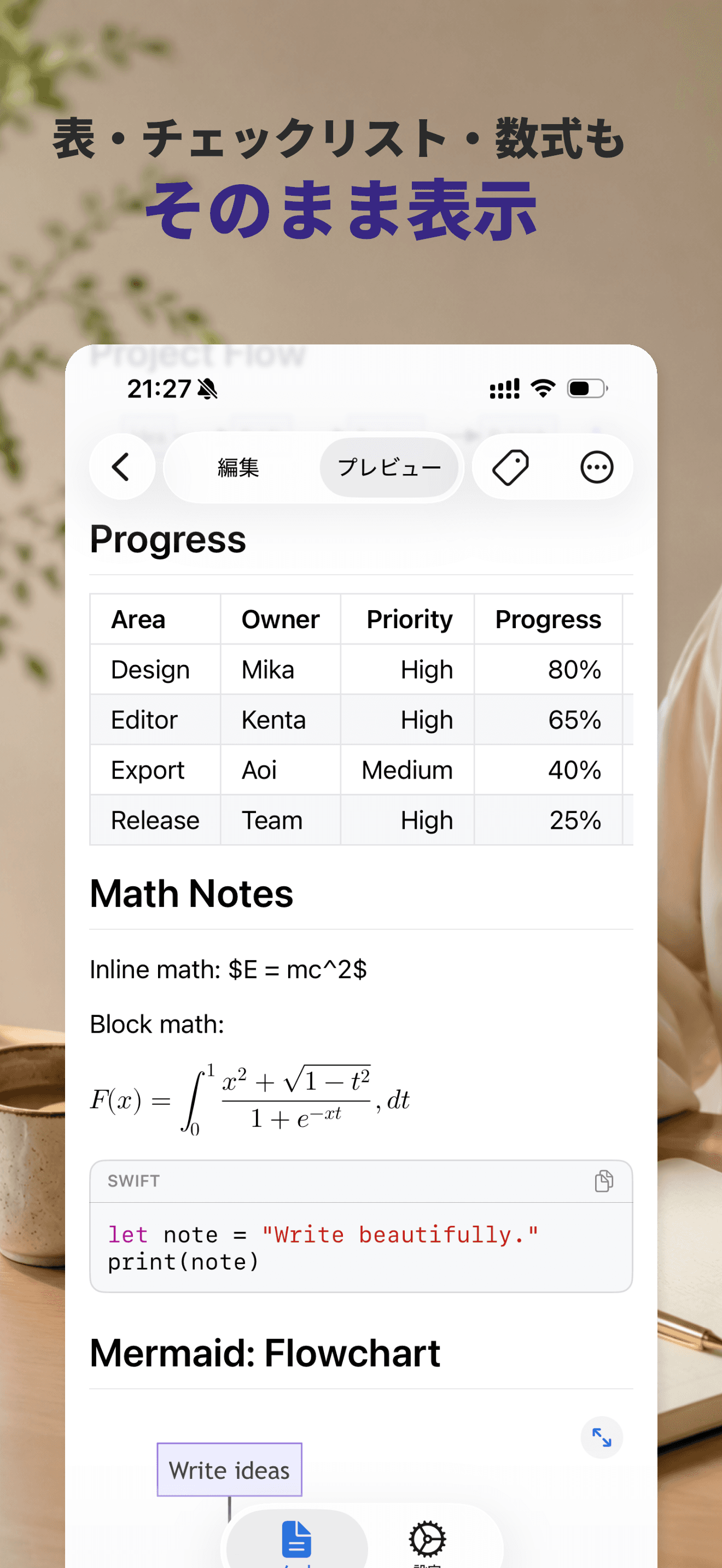
Tables, math, and code alike.
Code blocks come with syntax highlighting plus a copy button. Tables, checklists, quotes, callouts, and block math all display cleanly without breaking.
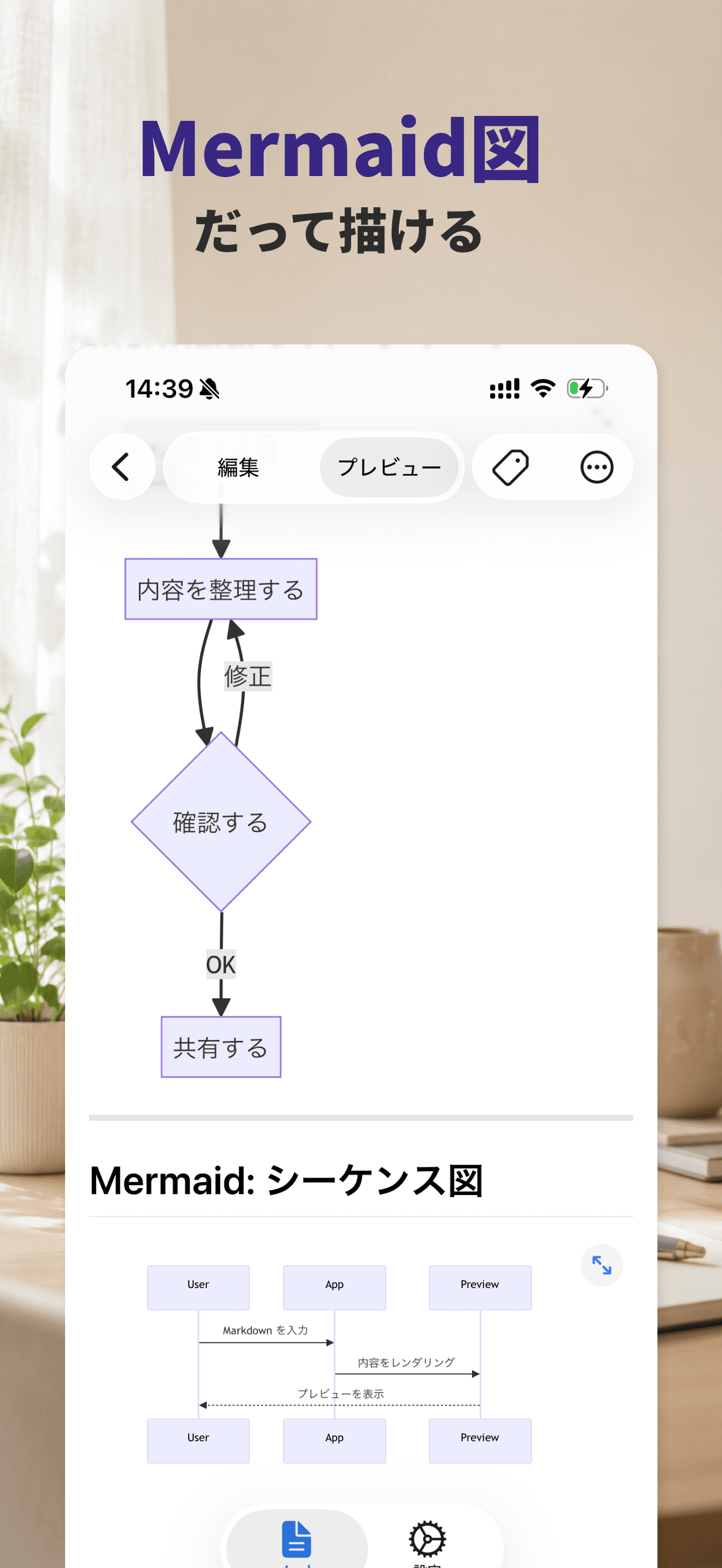
Even Mermaid diagrams, drawn with ease.
Render Mermaid diagrams such as flowcharts and sequence diagrams right inside the app. Tap to zoom and scroll, so you can review diagrams entirely on your phone.
Supported syntax.
Make writing feel even better.
No account required. Sharing as text or .md files is supported too.
Need help?
For questions about using the app, feature requests, or bug reports,
feel free to get in touch.