 UNOFFICIAL VERCEL CLIENT
Manage deployments,
from your iPhone.
From monitoring builds to rollbacks and Promote.
Control production deployments one-handed, wherever you are.

* Not an official app of Vercel Inc.

Deployment status, at a glance.
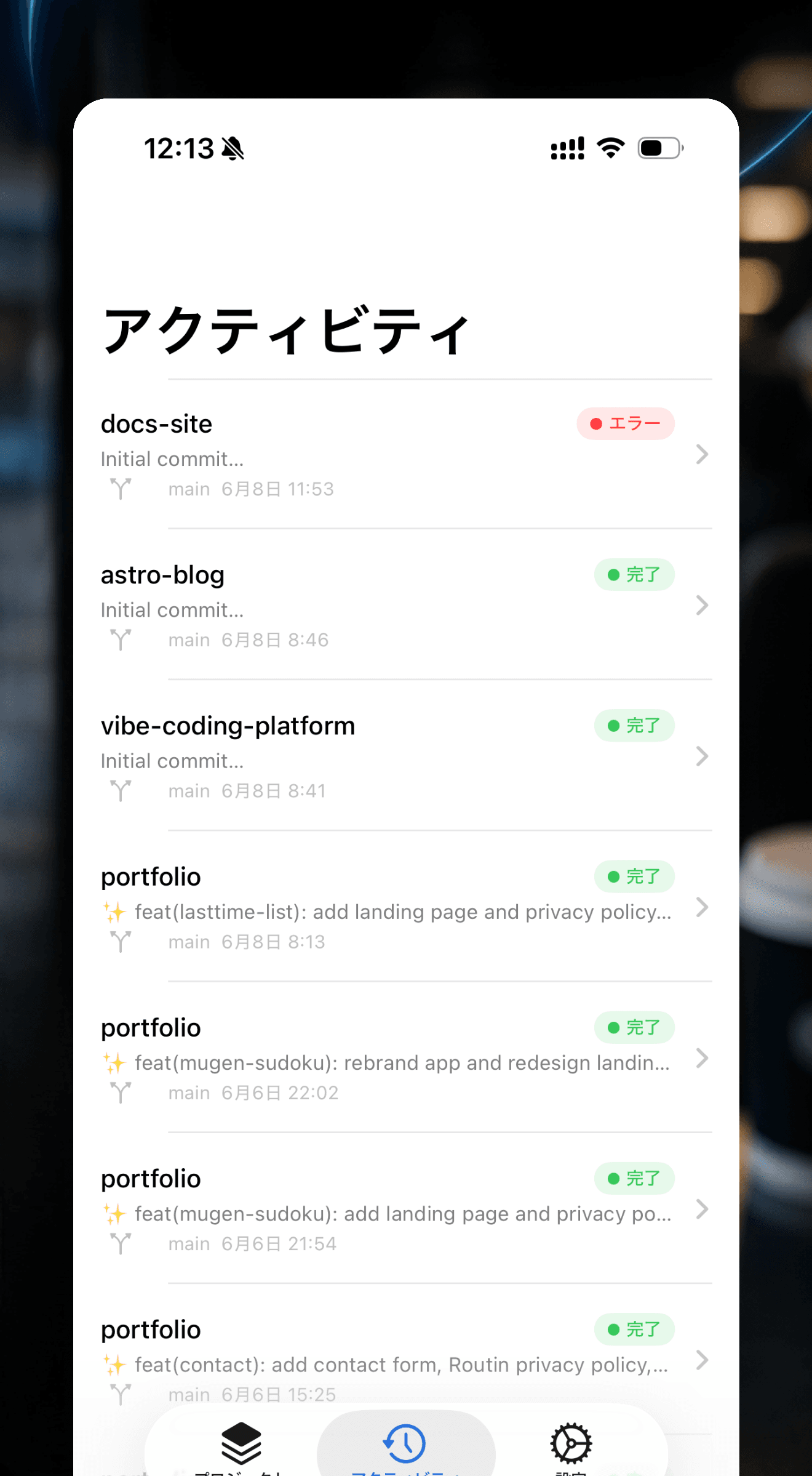
One timeline, across every project.
See your deployments in chronological order, regardless of project. Branch, commit message, and relative time sit side by side, with a Live badge showing what's currently running at a glance.
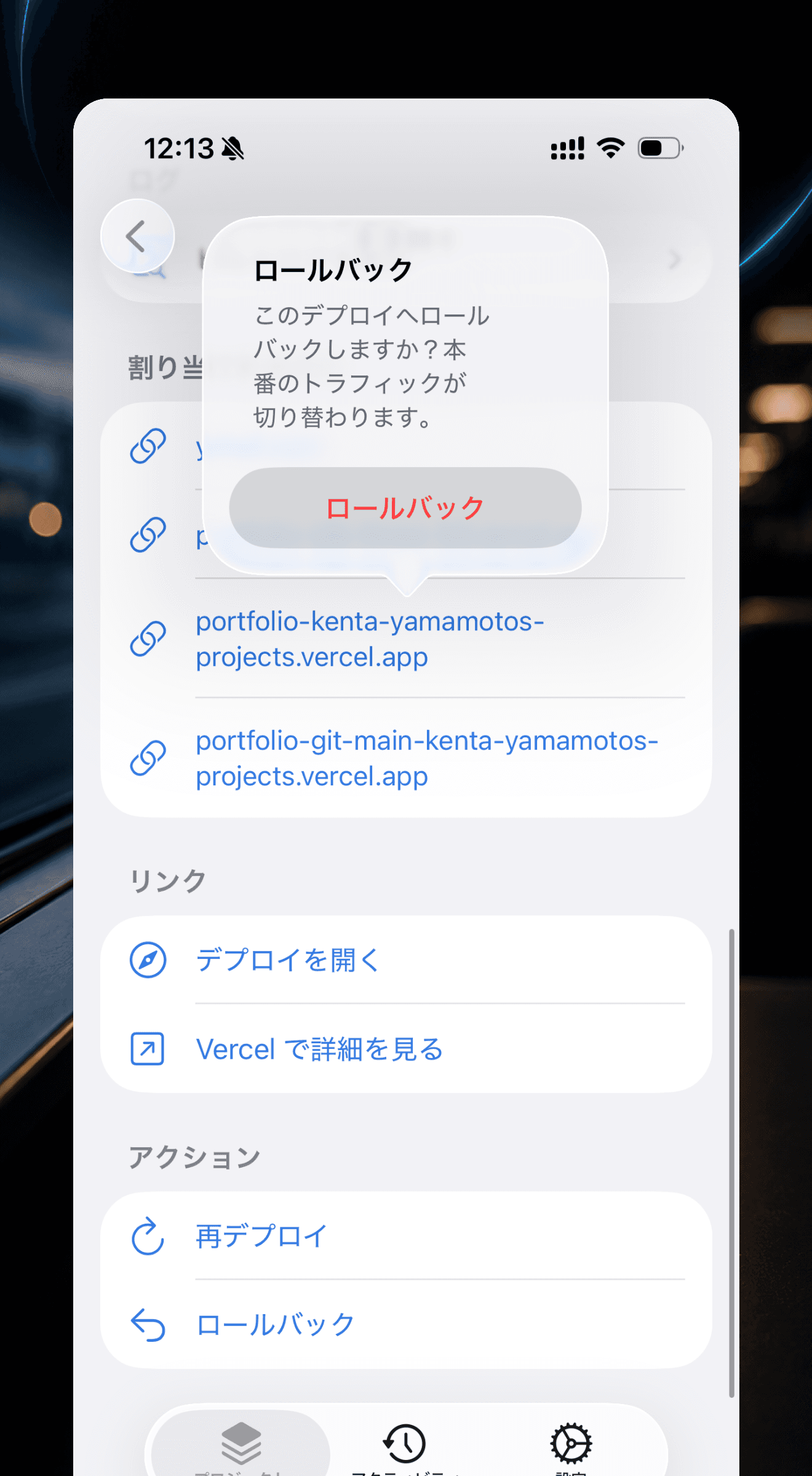
Critical actions, right in your hand.
Promote to production, roll back instantly, Redeploy, or Cancel — all with a single tap. A banner clearly indicates when a rollback is active, and clearing it is just as fast.
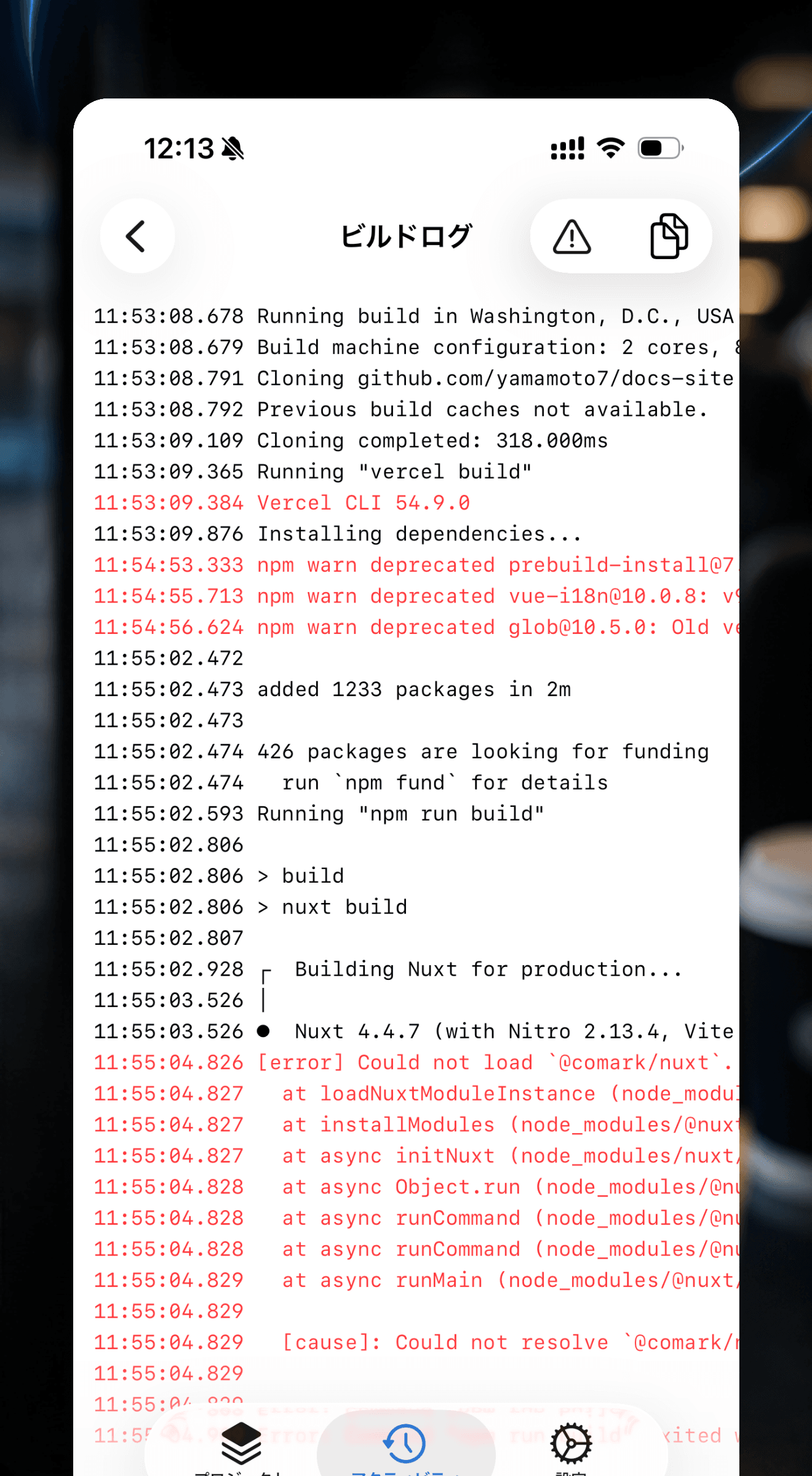
Pull out just the error lines.
Scroll through full logs in a monospace font. Filter to show only error lines with red highlighting, and copy with a single tap. Pull down to refetch while a build is in progress.
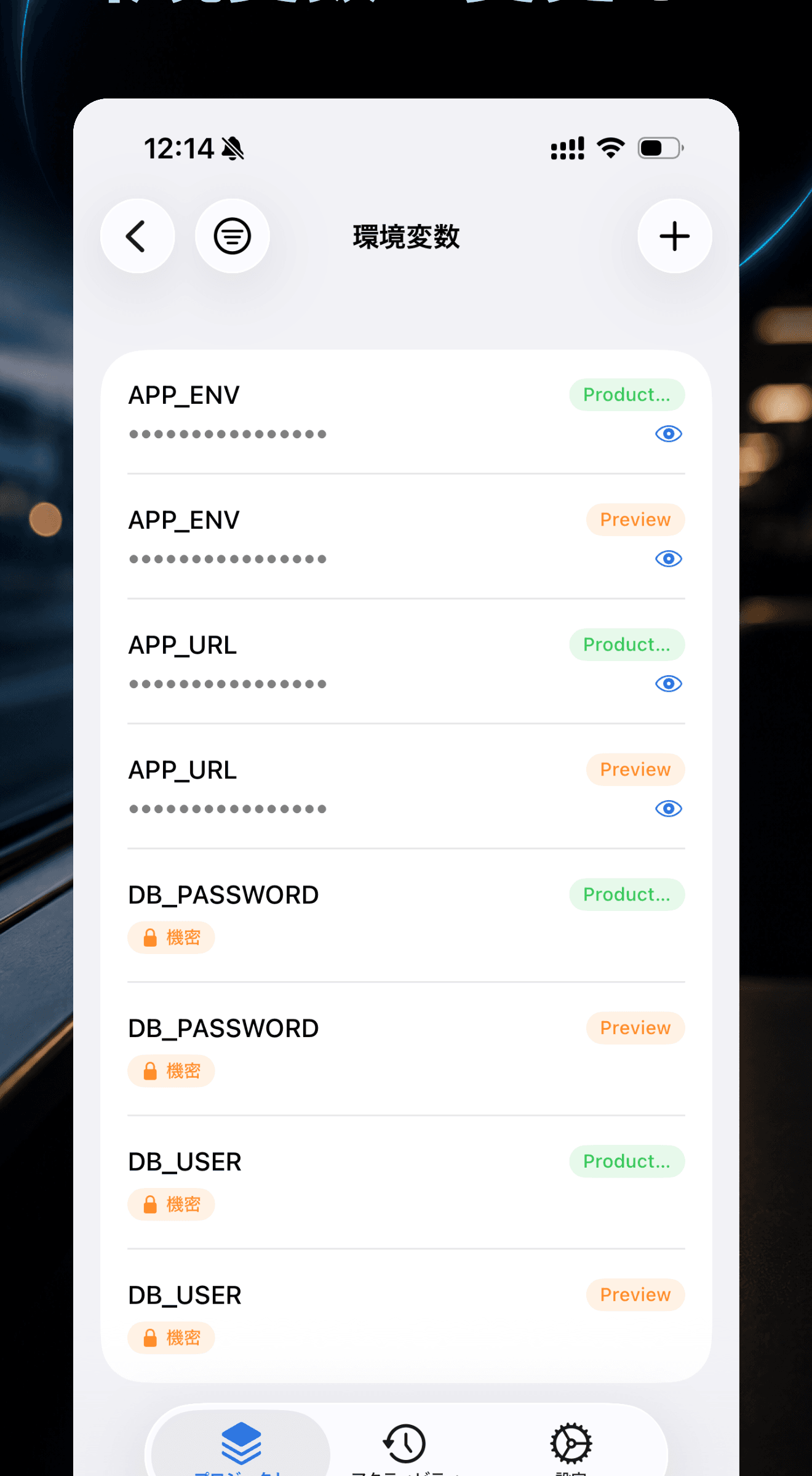
Manage environment variables on the go.
Sensitive values are masked by default and revealed with the eye icon. Target environment and type are shown as badges, with support for adding, editing, deleting, filtering, and sorting.
And there's even more at your fingertips.
Domains
Verification status, DNS, and redirects
Firewall
Managed and custom rules
Edge Config
Browse the list and key-value pairs
Teams & Accounts
Switch between personal and team scopes
Production, always in your hand.
A Vercel account and a Personal Access Token are required to use the app.
Need help?
Questions about how to use the app, feature requests, bug reports —
feel free to get in touch.